Back to home

Blog

Tutorials, comparisons, and tips for managing your WordPress media library.

tutorialmedia librarycleanup

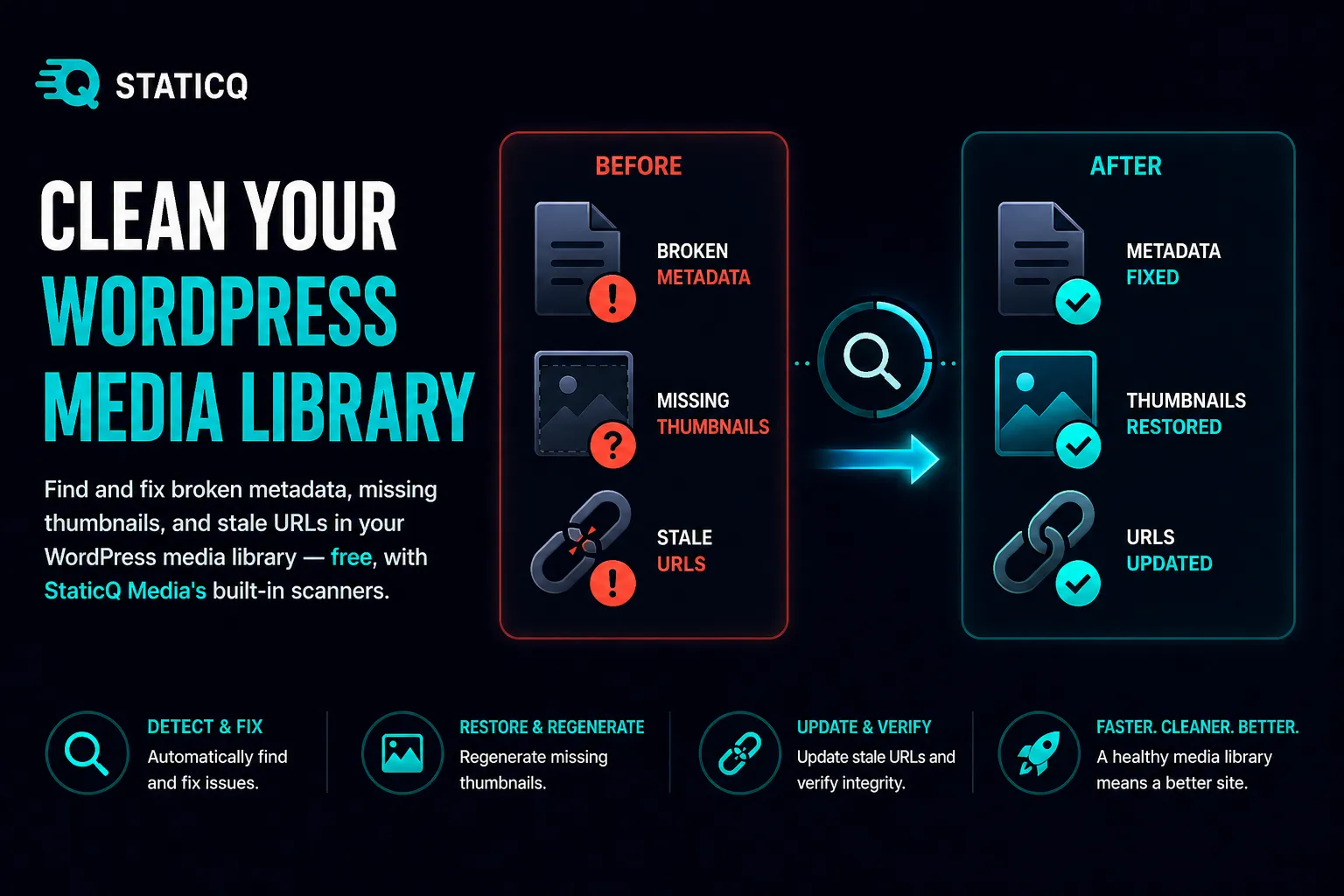
How to Clean Up Your WordPress Media Library

A step-by-step guide to finding and fixing orphan files, broken metadata, and stale URLs in your WordPress media library using StaticQ Media's built-in scanners.

Read more
tutorialcloudflare workercdn

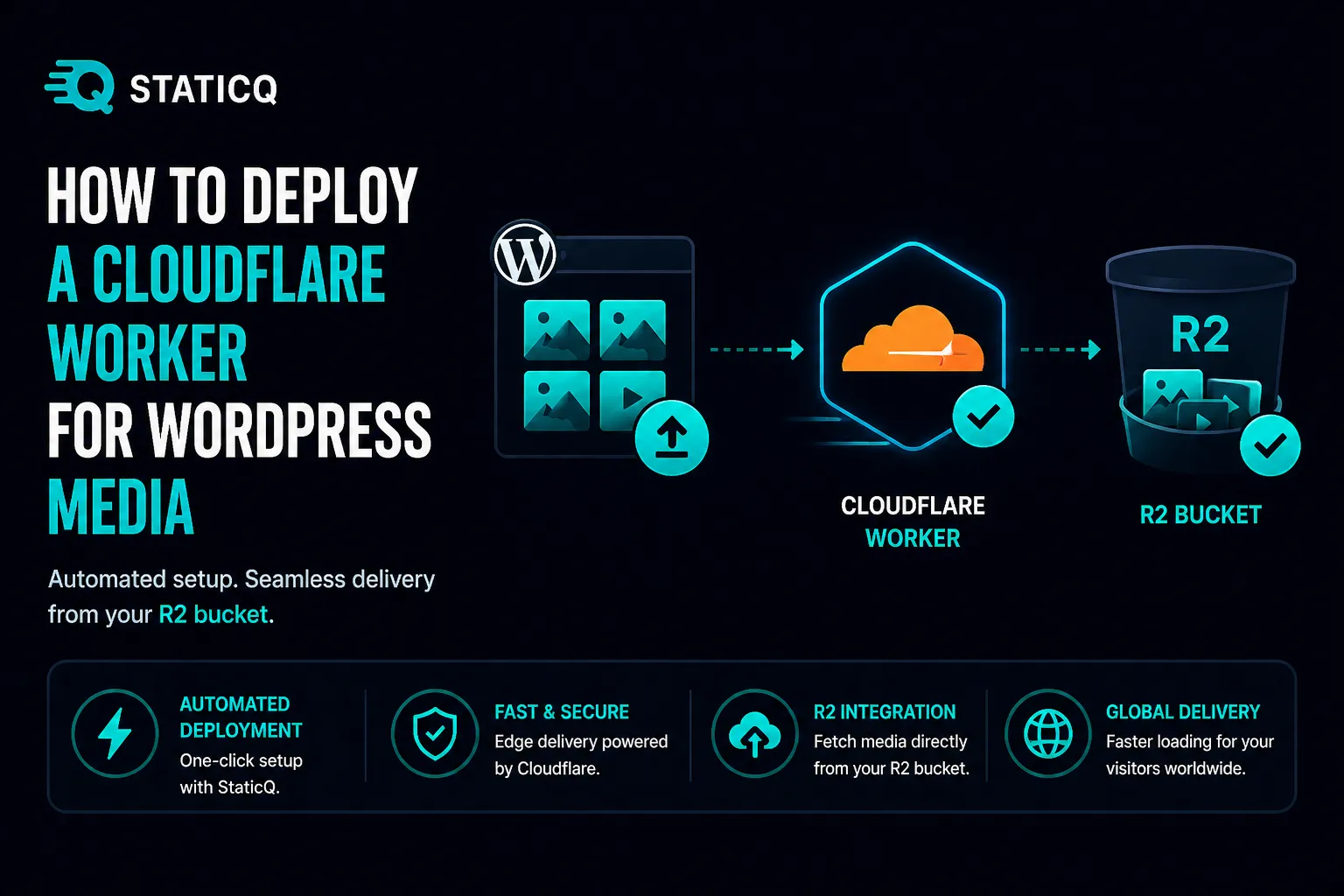
How to Deploy a Cloudflare Worker for WordPress Media

Step-by-step guide to deploying a Cloudflare Worker that serves your WordPress images directly from R2 at the edge — with StaticQ Media's built-in deployment wizard.

Read more
tutorialorphan filescleanup

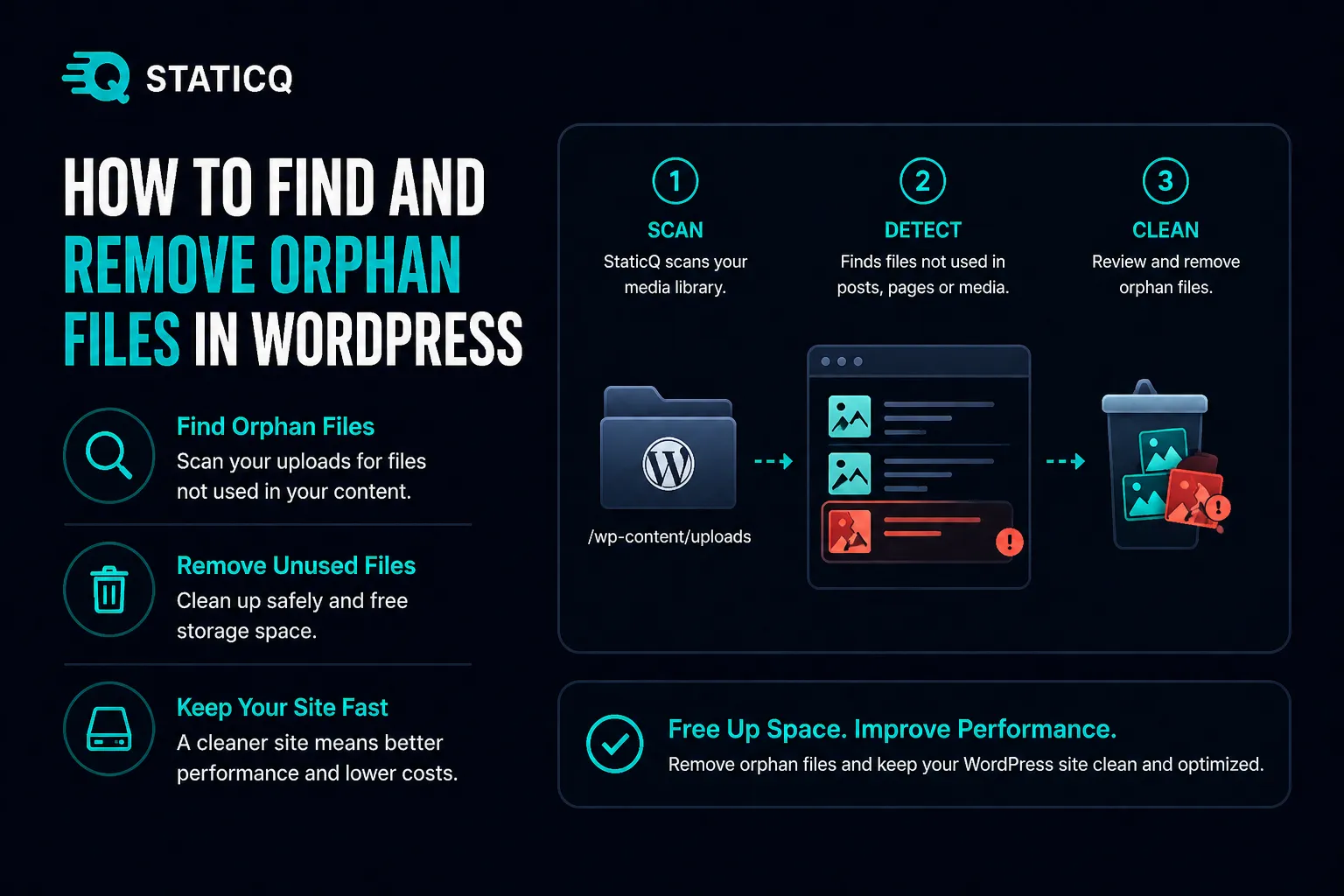
How to Find and Remove Orphan Files in WordPress

Step-by-step guide to safely finding and removing orphan files from your WordPress uploads folder using StaticQ Media — with quarantine, review, and restore.

Read more
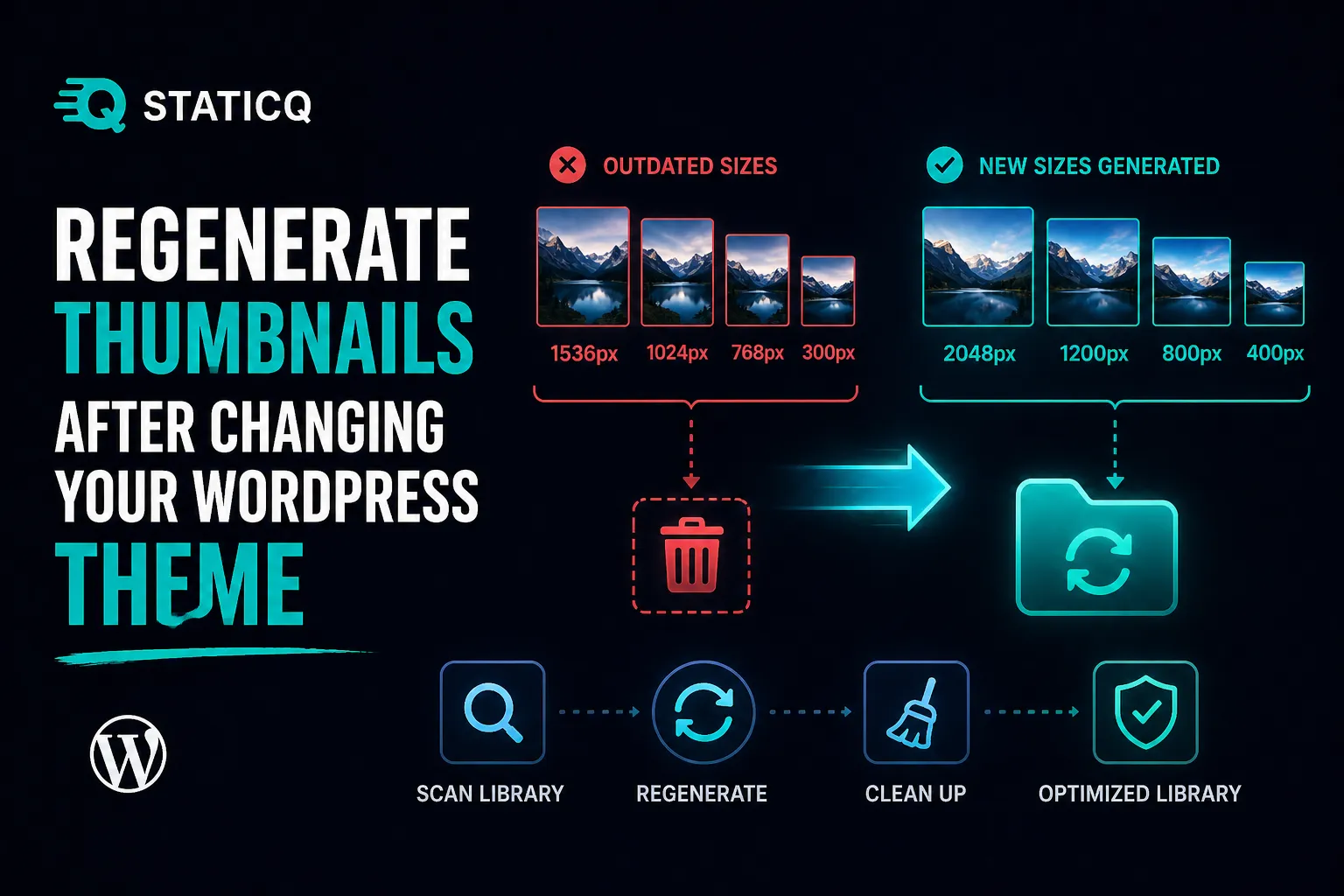
tutorialthumbnailstheme change

How to Regenerate Thumbnails After Changing Your WordPress Theme

Your images look wrong after a theme switch? Here's how to regenerate thumbnails in WordPress the smart way — scan first, fix only what's needed, and clean up leftover files.

Read more
comparisonoptimoleimage optimization

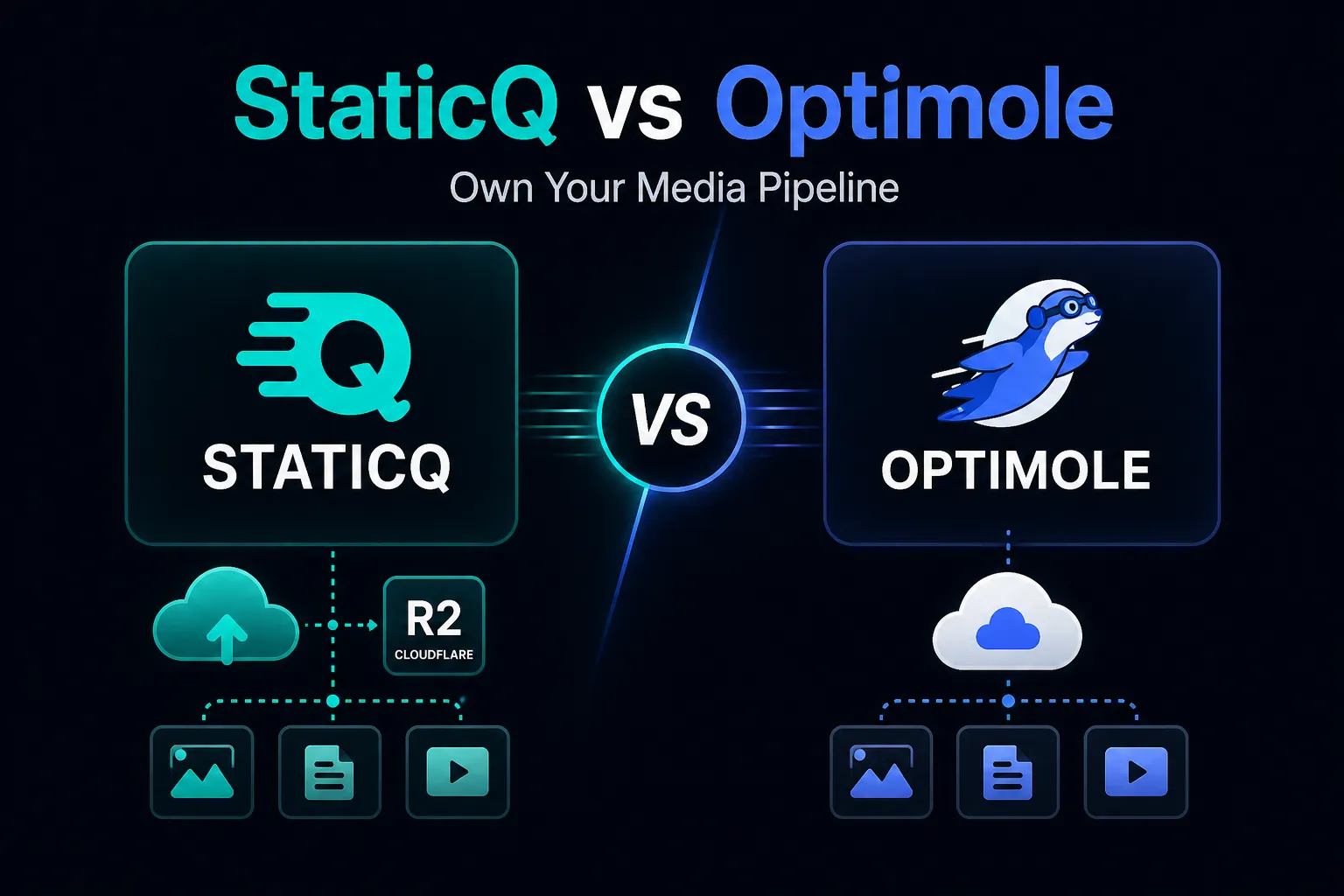
StaticQ vs Optimole: Own Your Media Pipeline

Optimole processes your images on their servers and serves them through their CDN. StaticQ keeps everything on your infrastructure. Here's how they compare.

Read more
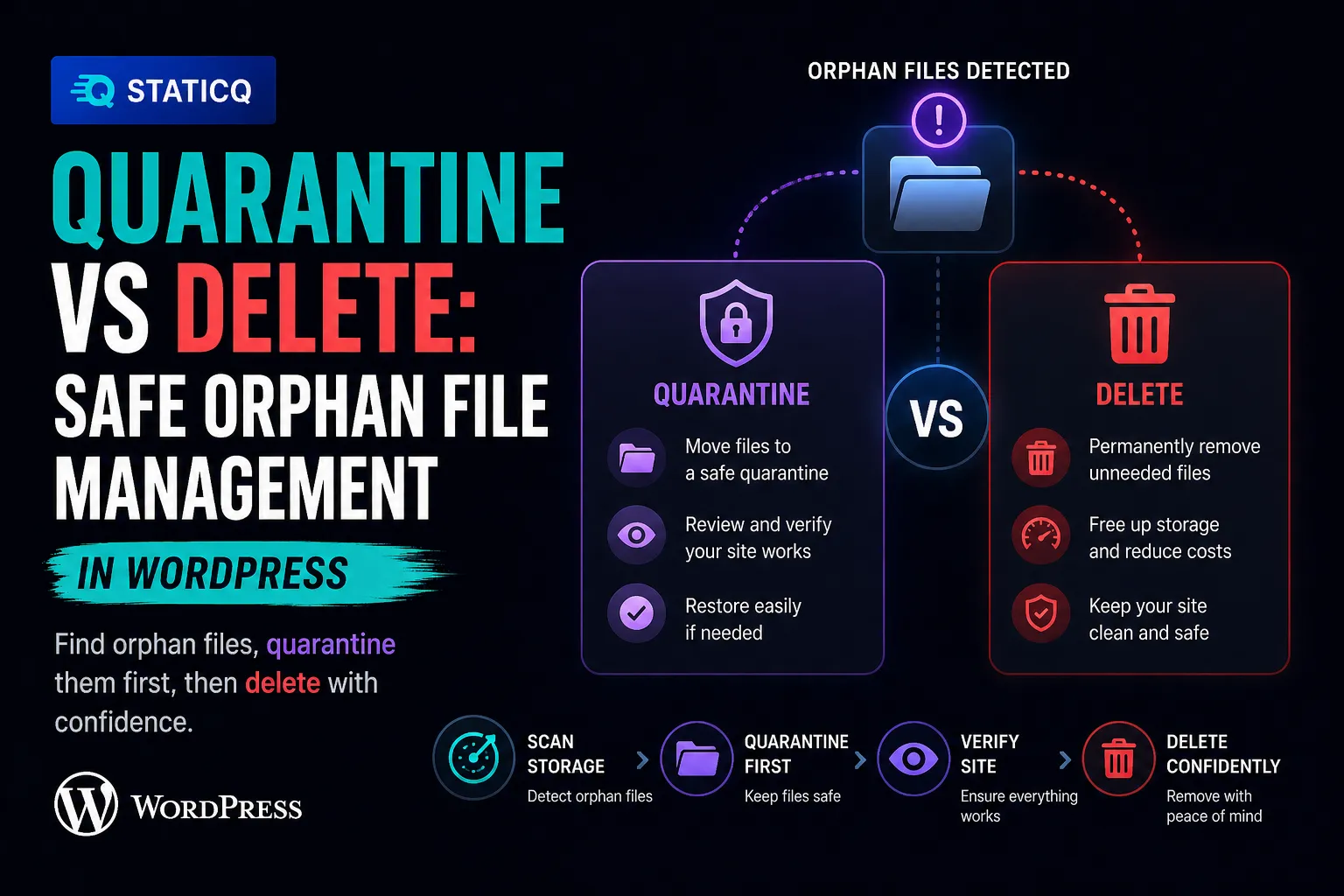
deep diveorphan detectionquarantine

Quarantine vs Delete: Safe Orphan File Management in WordPress

Why you should quarantine orphan files instead of deleting them — and how StaticQ Media's quarantine workflow protects your site during cleanup.

Read more
tutorialshared hostingperformance

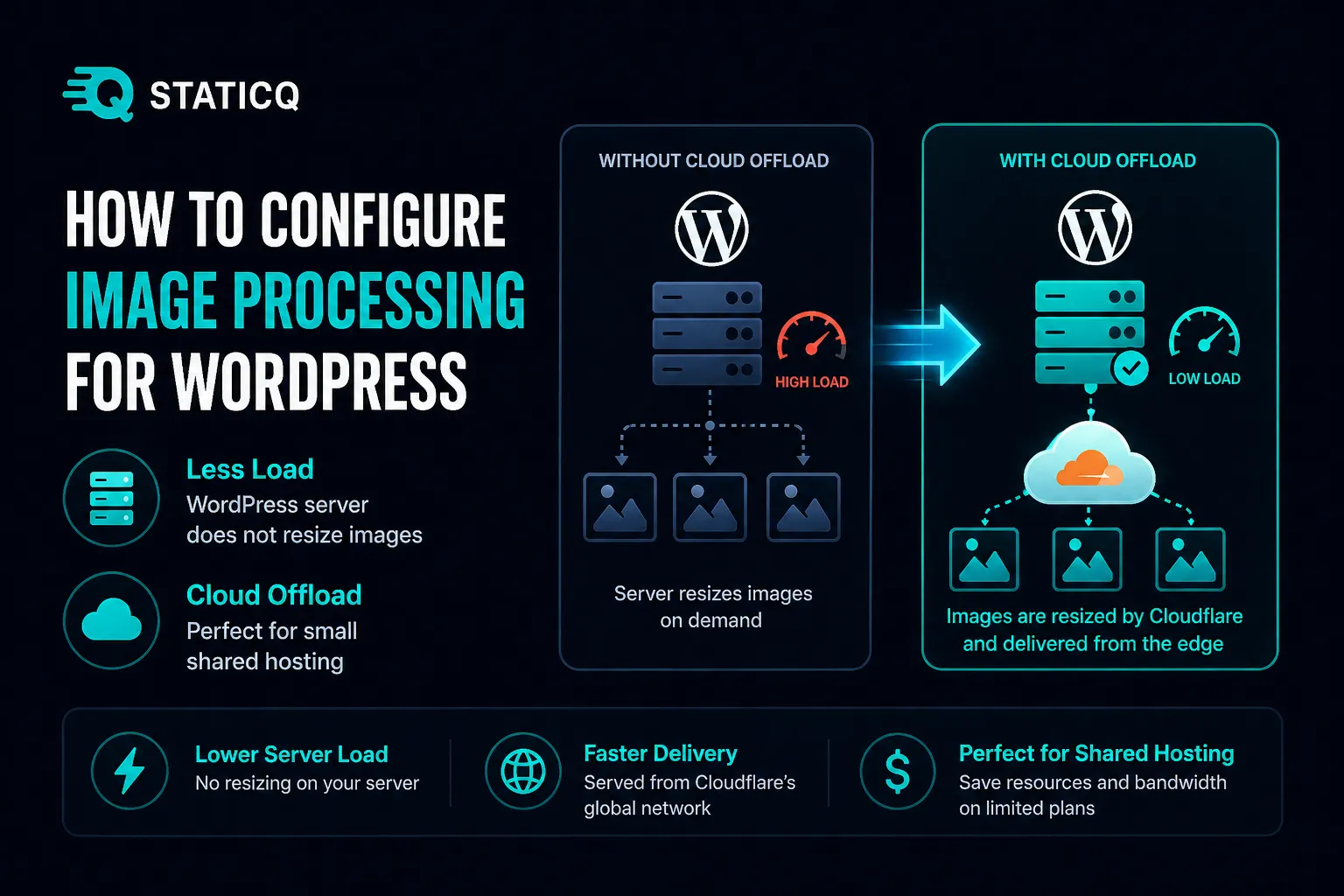
How to Configure Image Processing for WordPress on Shared Hosting

Tune StaticQ Media's queue-based image processing for shared hosting — conservative batch sizes, Cloudflare Image Resizing, and Cloud Only mode to stay within your host's limits.

Read more
tutorialmigrationbroken images

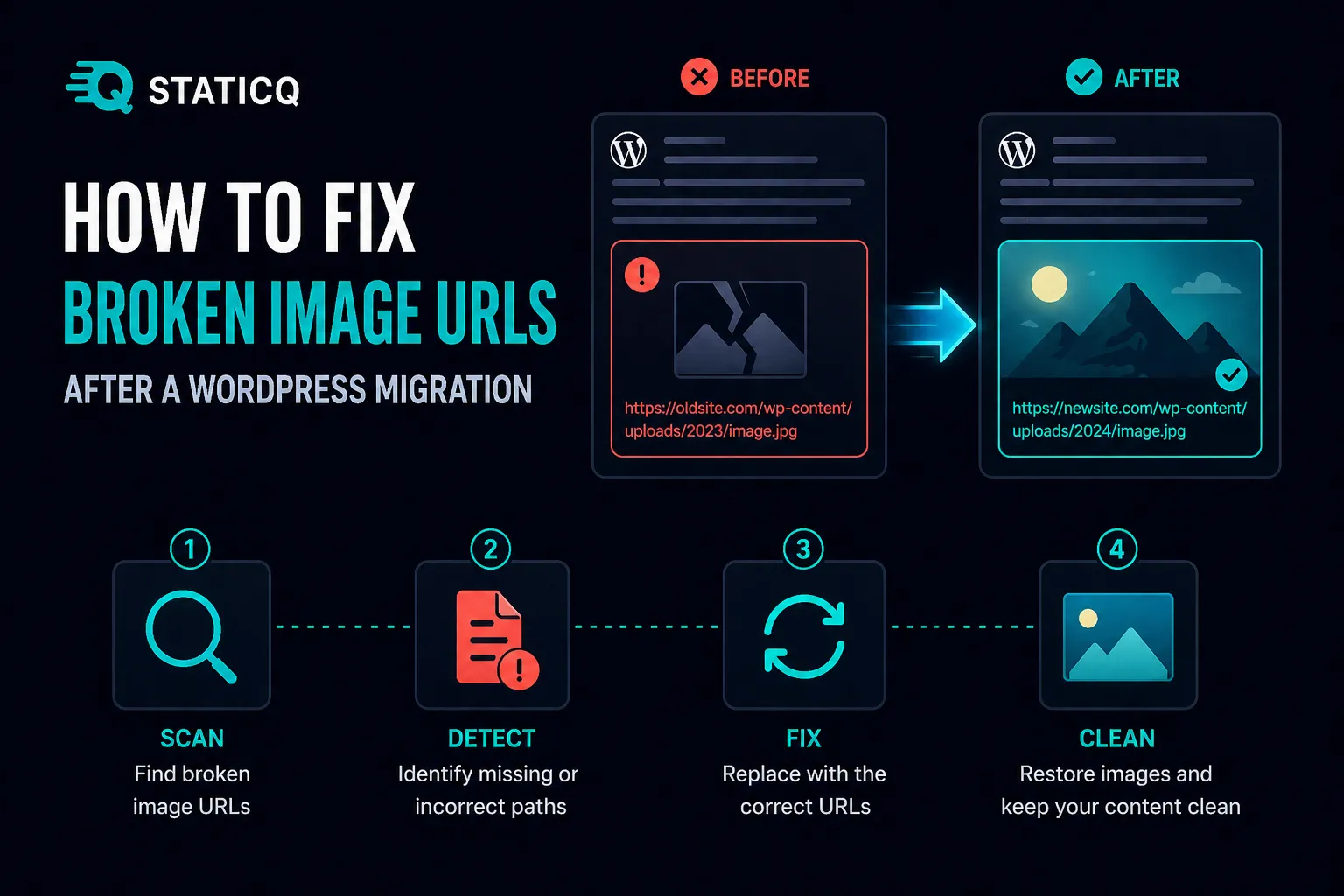
How to Fix Broken Image URLs After a WordPress Migration

Step-by-step guide to finding and fixing broken image URLs after migrating your WordPress site — without risky SQL find-and-replace.

Read more
deep divepost content scannerbroken urls

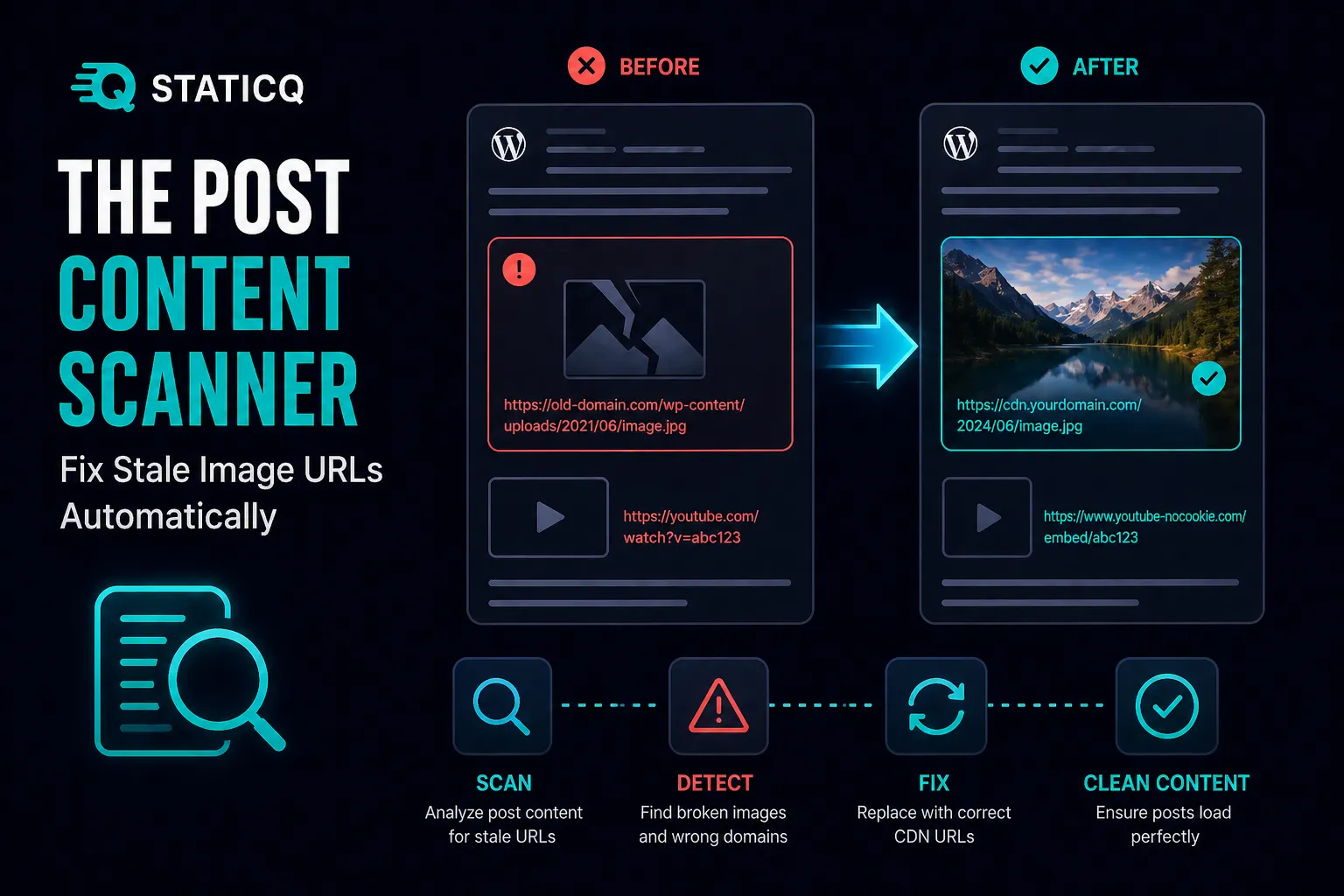
The Post Content Scanner: Fix Stale Image URLs Automatically

How StaticQ Media's Post Content Scanner finds and fixes stale image URLs in your WordPress posts — wrong domains, outdated filenames, and broken references.

Read more
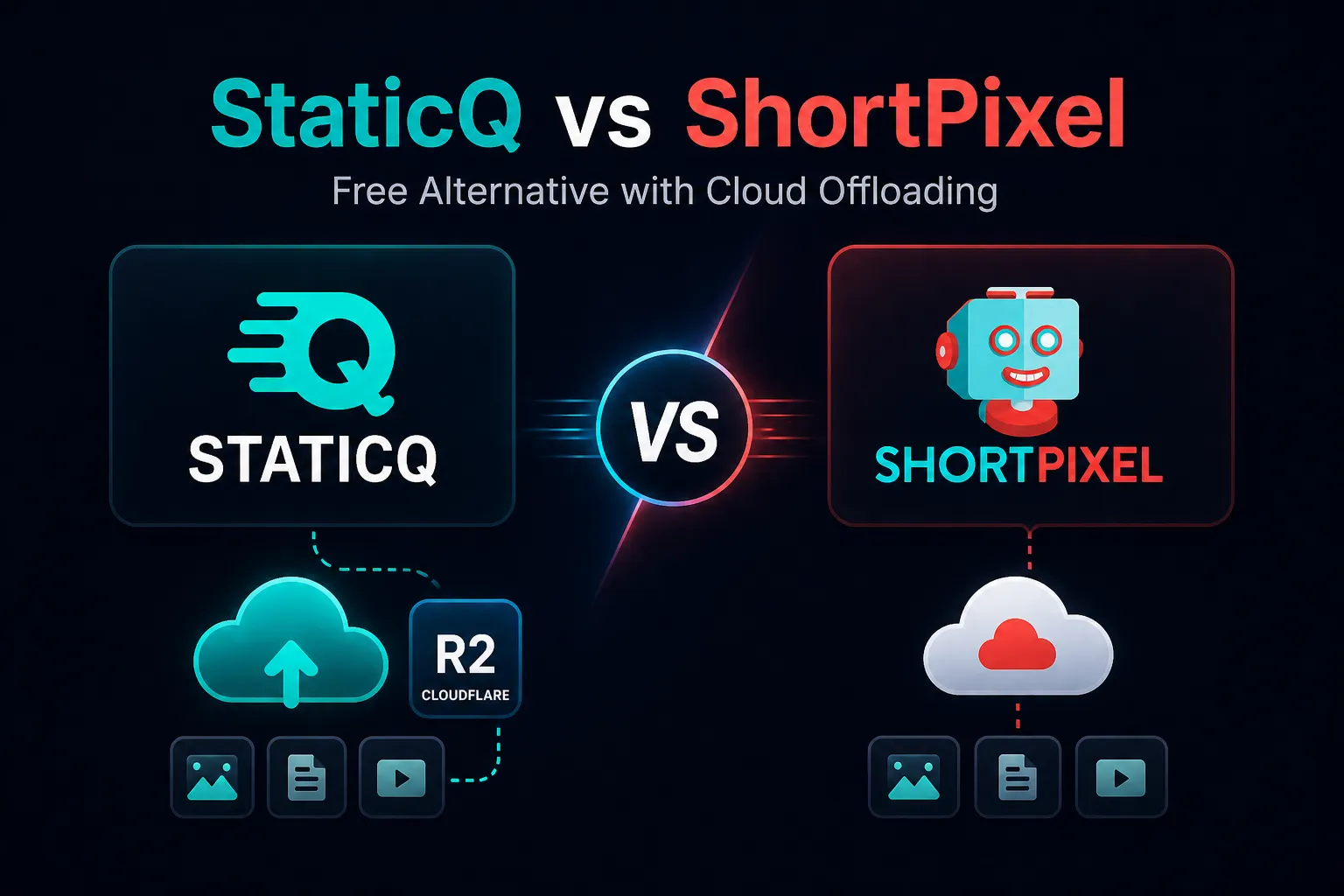
comparisonshortpixelimage optimization

StaticQ vs ShortPixel: Free Alternative with Cloud Offloading

An honest comparison of StaticQ Media and ShortPixel — what each does well, where they differ, and which is the right fit for your WordPress site.

Read more
deep divemedia library scannerwordpress

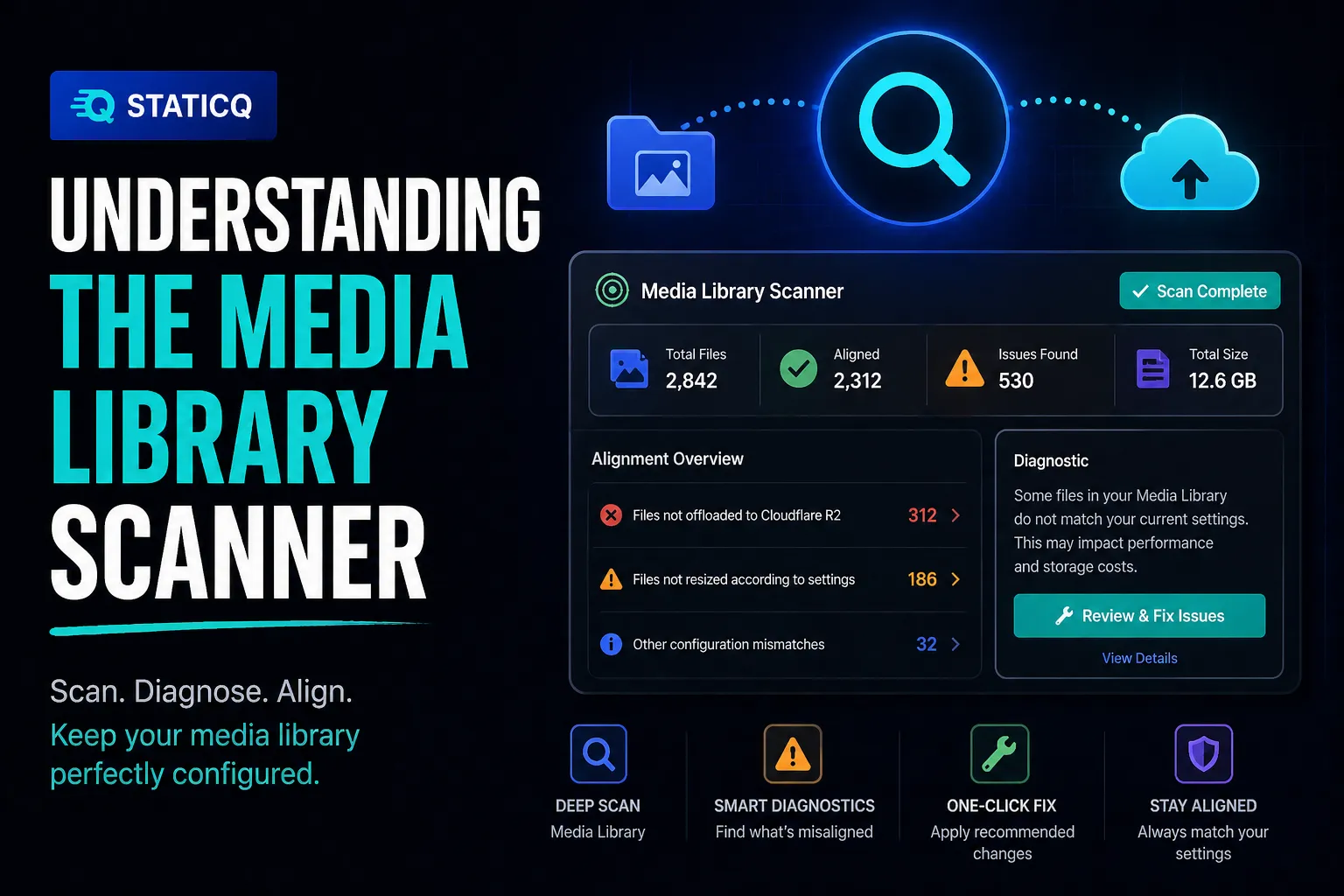
Understanding the Media Library Scanner

A deep dive into StaticQ Media's Media Library Scanner — what it checks, how it works, what the fixes do, and when to run it.

Read more
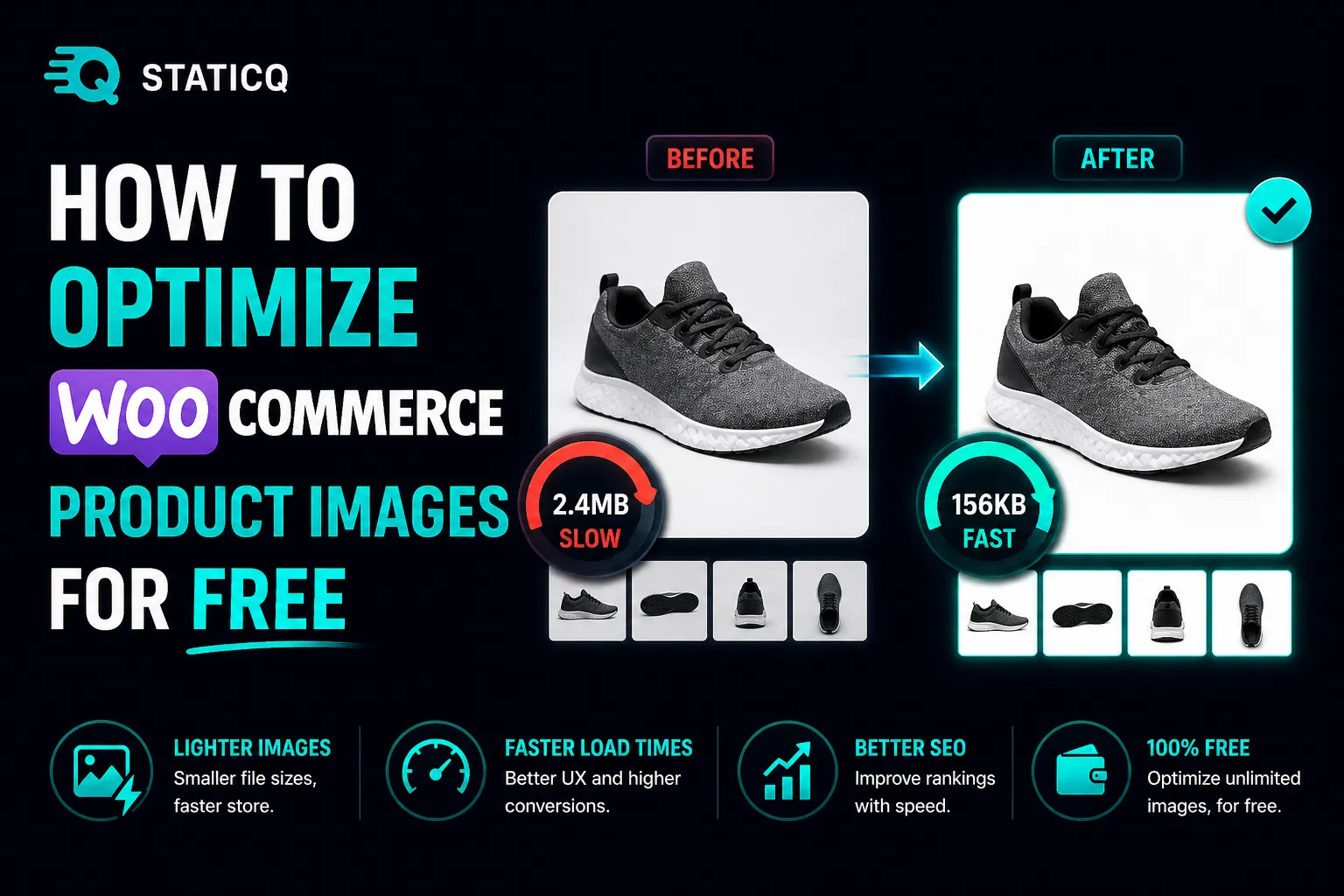
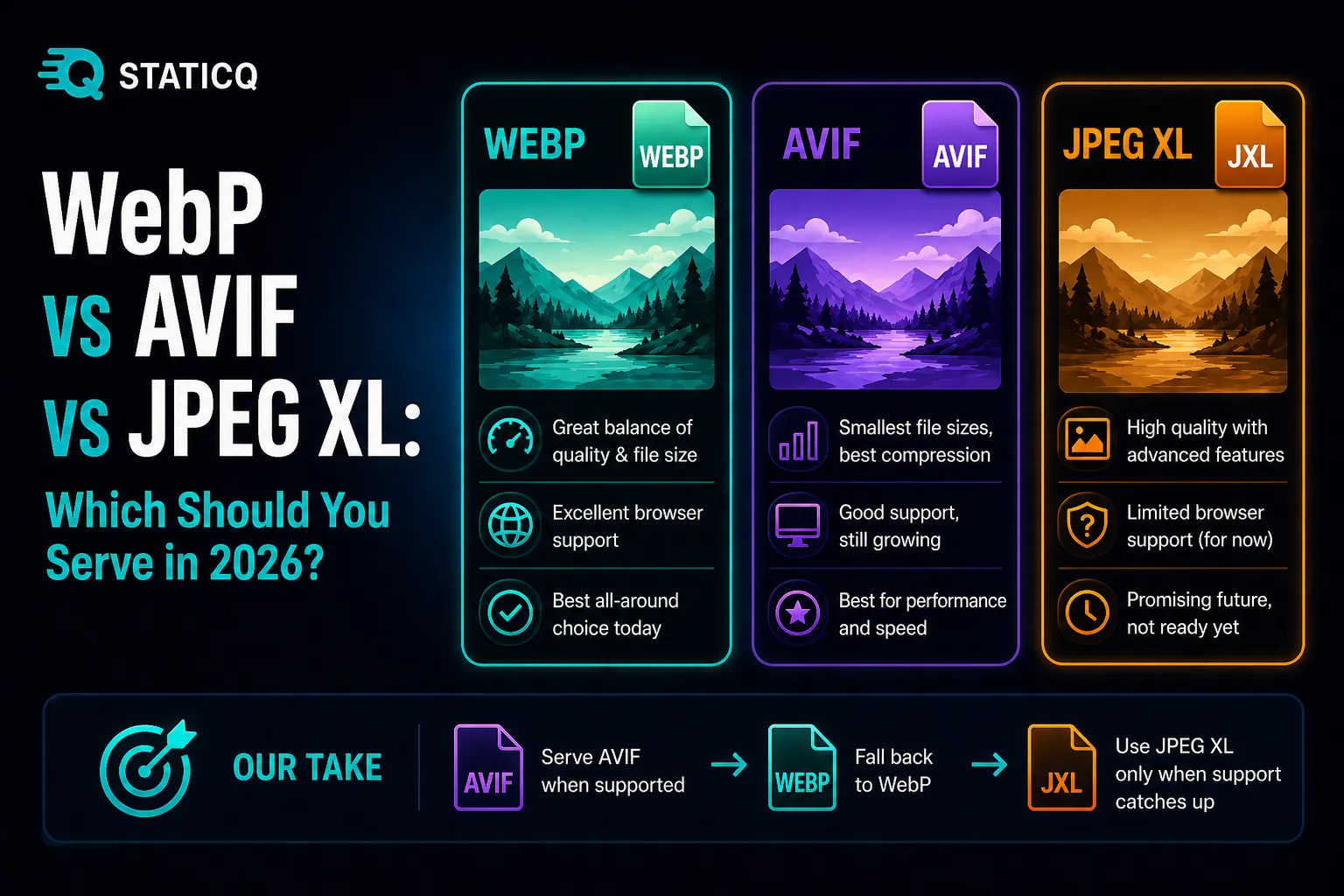
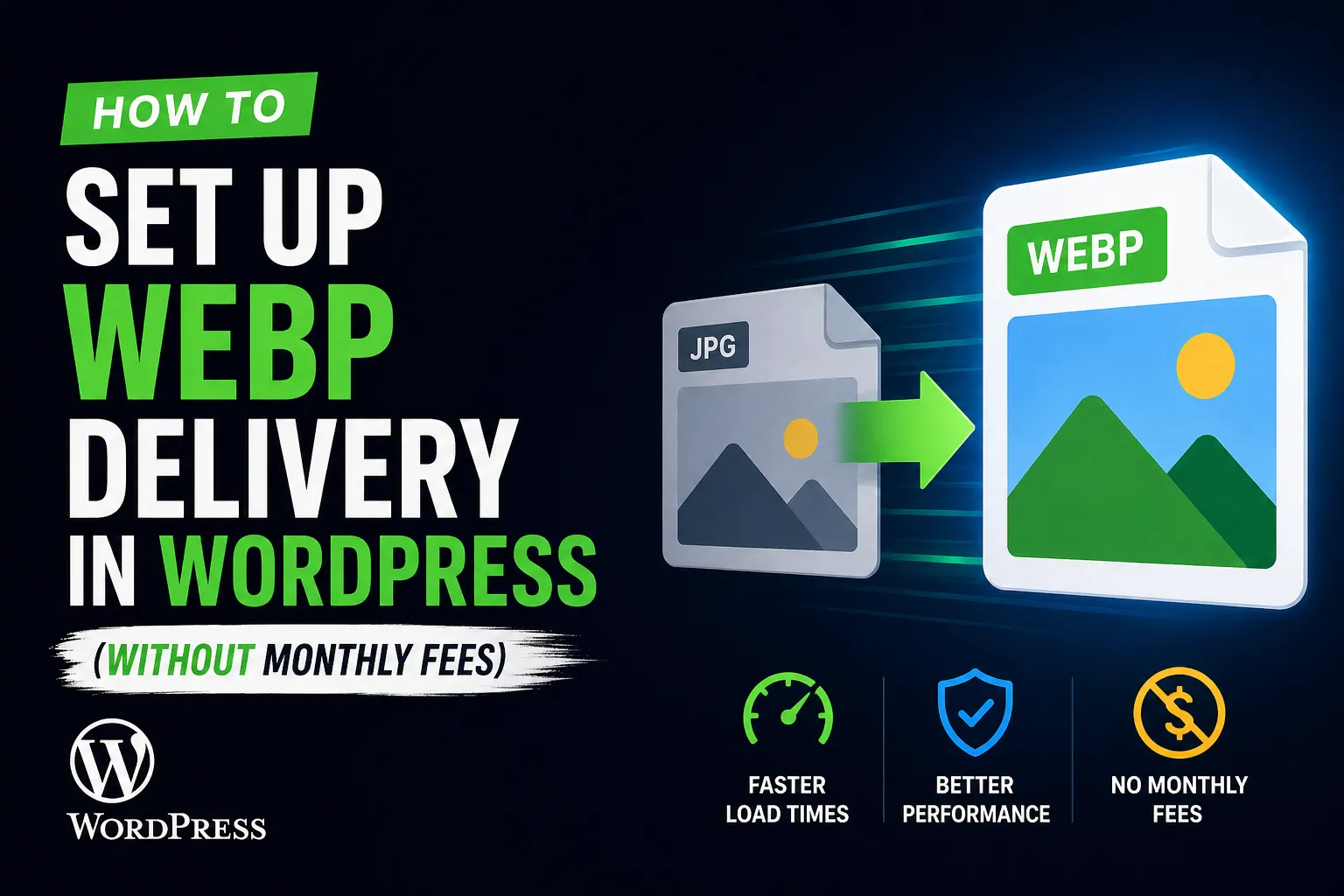
tutorialwebpimage optimization

How to Set Up WebP Delivery in WordPress (Without Monthly Fees)

Learn how to convert and serve WebP images in WordPress for free using StaticQ Media — with automatic conversion, <picture> tag delivery, and full browser fallback.

Read more
comparisonimage optimizationwordpress

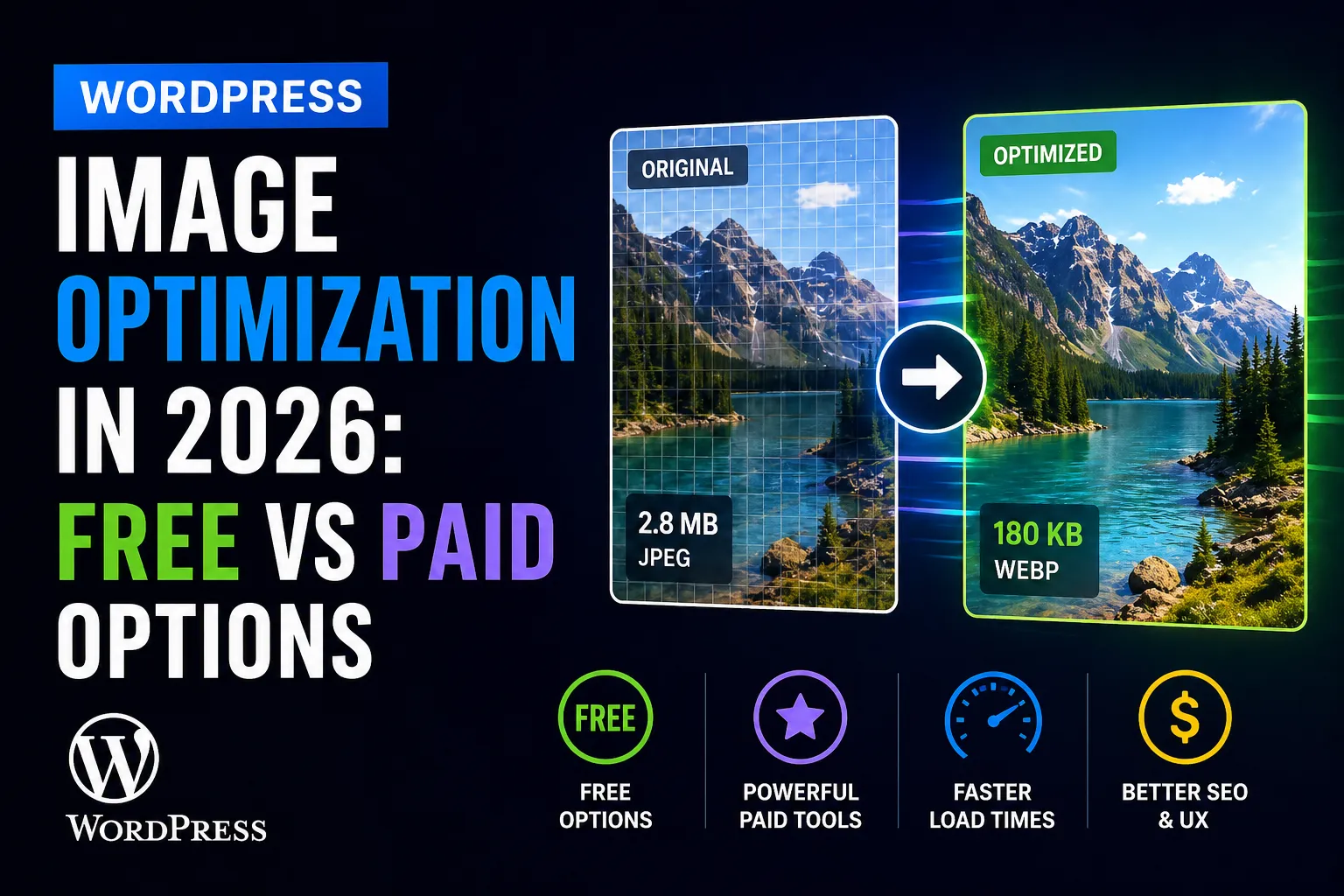
WordPress Image Optimization in 2026: Free vs Paid Options

A practical breakdown of every major WordPress image optimization plugin in 2026 — what they cost, what they actually do, and which one fits your situation.

Read more
comparisonwp offload mediacloud storage

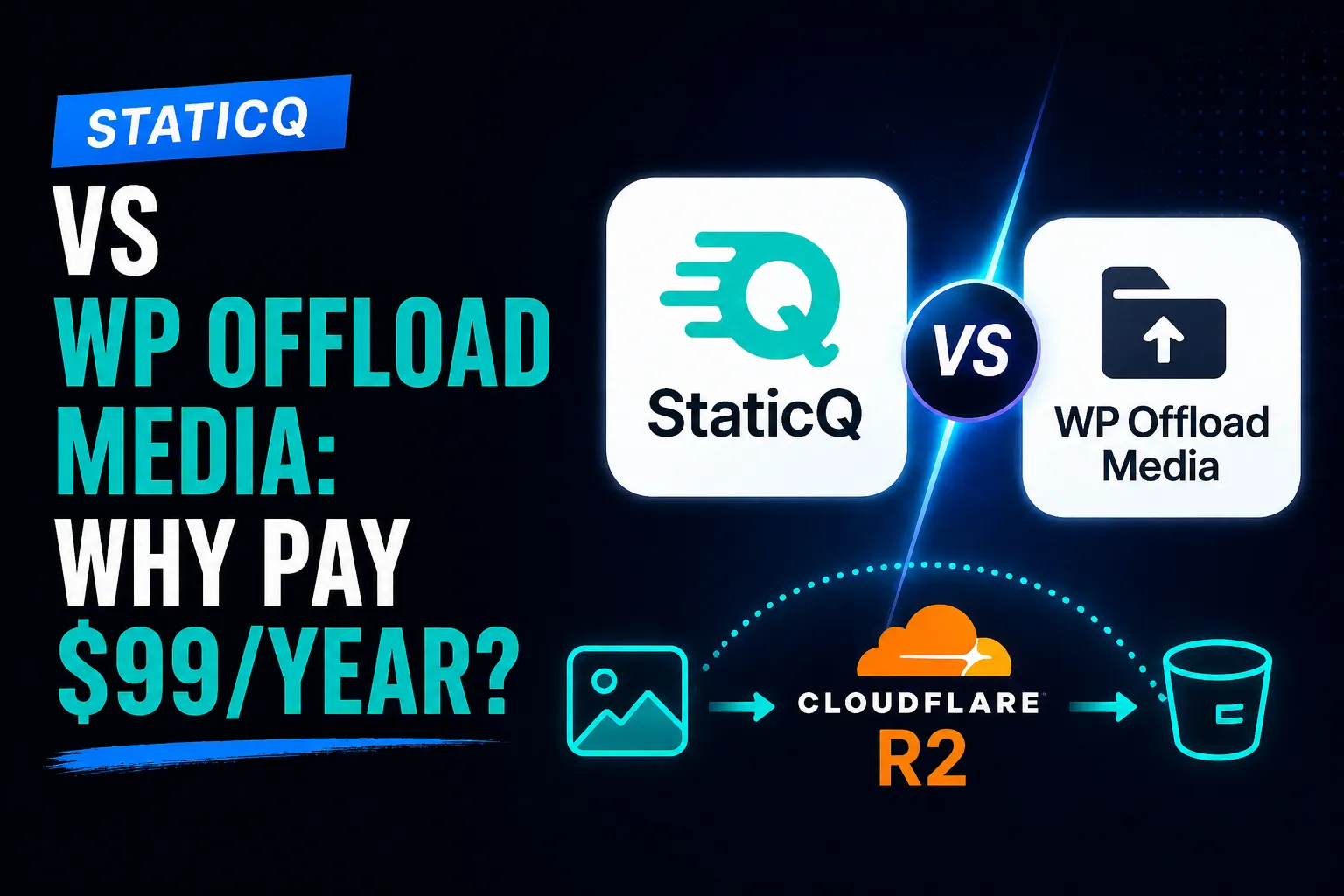
StaticQ vs WP Offload Media: Why Pay $99/Year?

A fair comparison of StaticQ Media and WP Offload Media for cloud storage offloading — features, pricing, and which plugin fits your WordPress site.

Read more
cloudflare r2wordpressmedia offload

How to Offload WordPress Media to Cloudflare R2 (Free)

Step-by-step guide to offloading your WordPress media library to Cloudflare R2 using StaticQ Media — with automatic resizing, WebP conversion, and CDN delivery.

Read more